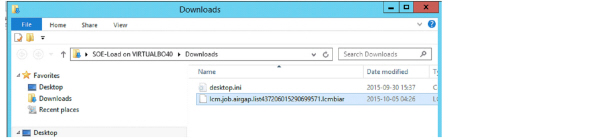
Creating LCMBiar files
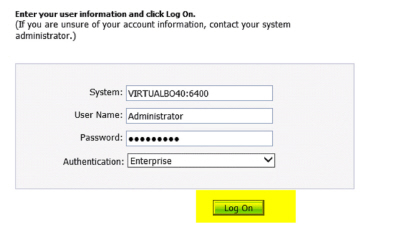
Log on to CMC - I usually do this as administrator directly on the server
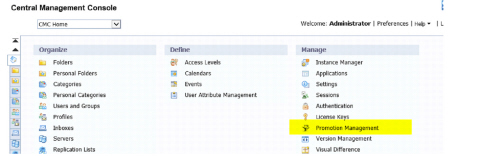
Click on the promotion management
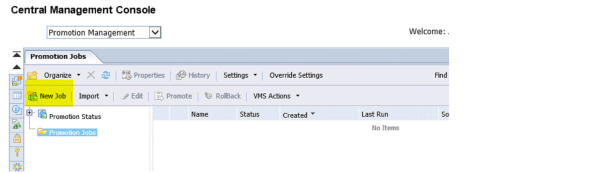
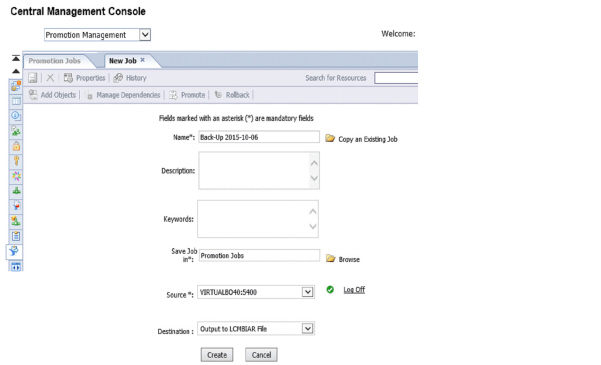
Create a new job
Fill in the needed information, log on to environment and click OK once all is green
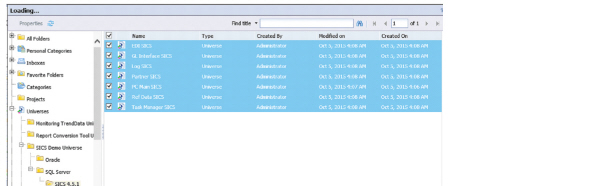
Now its time to select everything that should be included. Please select the current production universe and the production reports which are NOT working. As well as the 4.5.1 customized universe you have
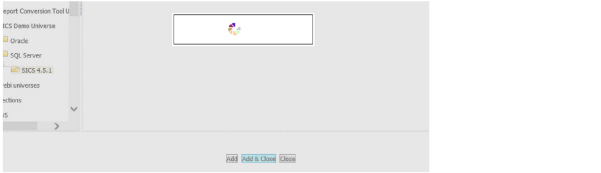
Once selection is done click add (to select more) or add and close (when selection is finished)
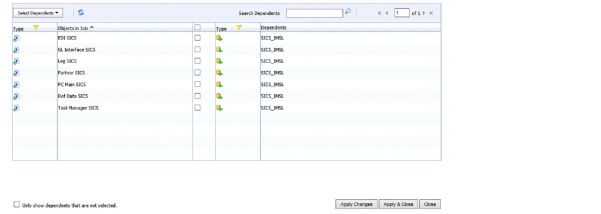
Check if you have any dependencies. You do not have to include the connection
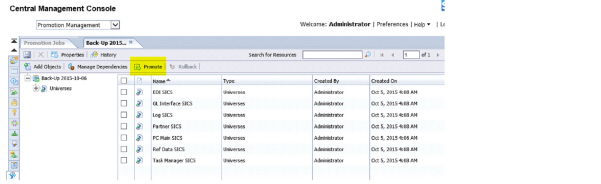
Once happy click on the prompt button
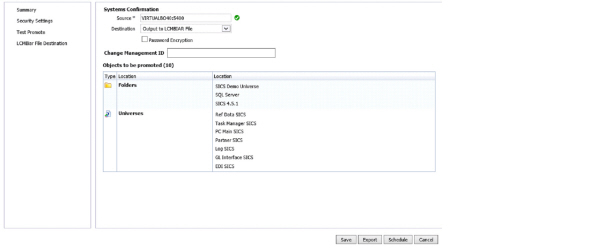
click on the LCMBiar file desition - and select EXPORT
After a little bit of time you will get this popup asking where you want to save the file
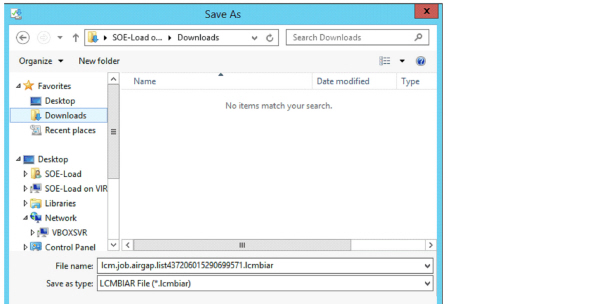
And the file will appear in the place where you saved it to