Claim Uniform Resource Locators
On certain claims, a ‘Claims URLs’subtab appears on the ‘Properties’ tab. This subtab only appears when the ‘URL Addresses on Claim ‘functionality has been activated by your system administrator.
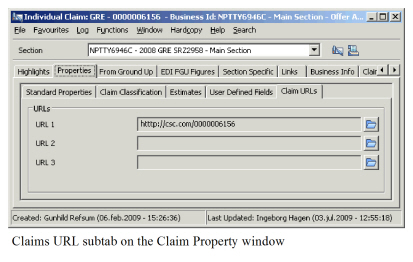
The available URLs are generated based upon the base company and main class of business combination.
To open a Claim URL:
- Open the claim for which you want to open the URL.
- Click the Properties tab, and then the Claim URL subtab.
- Select the URL you want to open.
- Click the ‘Folder ‘button to the right to open the web page in a separate browser.