View a Claim List for a Claim Group
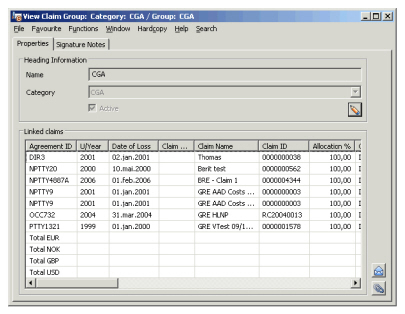
The Claim Group provides you with a list of all the claims linked to the Group and the proportion of the bookings in the original booking currency.
- Open the Claim Group from the SICS desktop.
- Find the Claim Group you want to view.
- Select Properties from the pop-up menu. The linked claims with bookings are displayed.