Create MGU Business and Partner
Record a New MGU Business #
- Click on the Business icon on the Business folder on the desktop. You see the Find: Business window
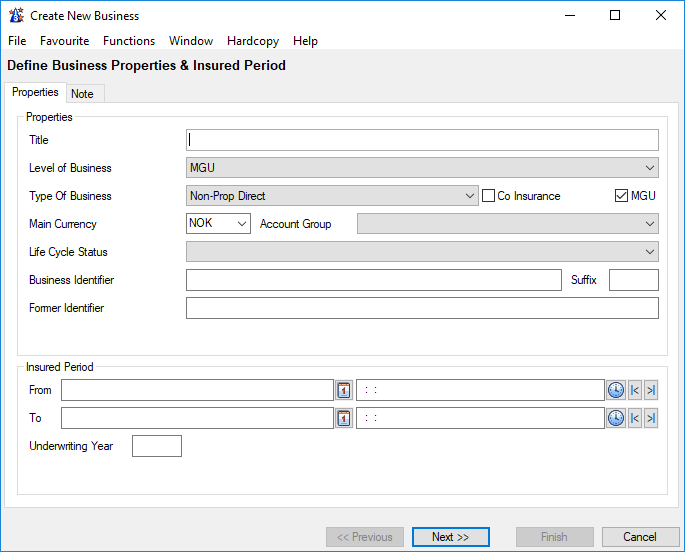
- Click Create New button. On the Create New Business window the checkbox MGU is shown and is selected by default when Level Business is MGU and Type of Business is either
- non-proportional direct
- proportional direct
- non-proportional facultative
- proportional facultative
- Enter relevant information and press Next
Assign Business Partners to a MGU Business #
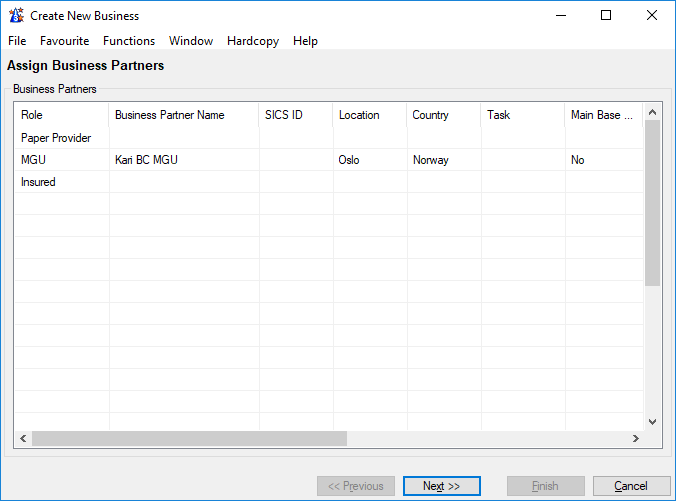
Mandatory Business Partners for a direct MGU Business are:
- Paper Provider
- MGU
- Insured
Default MGU and Paper Provider can be defined for the end user within the User Preferences, When this is done, these are defaulted when creating a new MGU Business.
Complete the create new business wizard with entering relevant information and press Finish.
Record a new Paper Provider only #
- Click on the Business Partner icon on the Partners folder on the desktop. You see the Find: Business Partner window
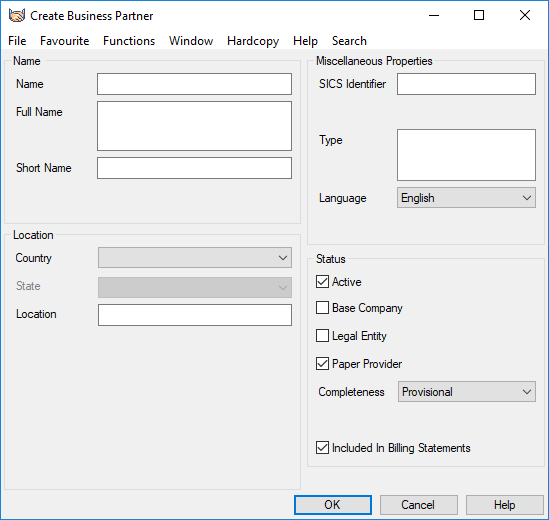
- Click Create New button. You see the Create Business Partner window.
- Select the checkbox Paper Provider and enter other relevant information and click OK.